Not necessarily deleted
A restricted message can be account-specific or temporary even when the experience still exists.
If Roblox says Sell Lemons is unavailable, restricted, or only open to an older age group, do not assume the game was deleted. The message can come from an experience-level maturity setting, a temporary publishing-compliance change, your account's age check, or parental controls. This guide explains how to separate those causes without bypassing Roblox safeguards.
The safest answer is that Roblox access is controlled by both the experience's current content-maturity configuration and the player's account eligibility. In 2025 Roblox announced new publishing requirements that could limit public access for experiences whose creators had not completed required verification or compliance steps. Roblox also uses age checks and parental controls to decide which maturity labels an account can open.
We did not find a public first-party statement from the Sell Lemons developer that confirms one permanent, game-specific reason for every 16+ message. That means claims such as ‘the game contains adult content’ or ‘the developer intentionally banned younger players’ should not be presented as fact. The practical response is to check the official experience page, your account details, parental settings, and Roblox service status in that order.
A restricted message can be account-specific or temporary even when the experience still exists.
Changing a birth date dishonestly, borrowing an older account, or using copied games creates security and policy risks.
Developers and Roblox can update maturity labels, verification, publishing state, or regional availability.
Different messages point to different causes. Record the wording and test only official settings; do not follow videos that promise an unlock code or modified client.
| What you see | What it usually means | Best next action |
|---|---|---|
| The experience is unavailable to your age group | Your account does not meet the current maturity or age-check requirement for that experience. | Review the account birth date, age-check status, and parental content maturity setting. Wait for an official rating change if the account is genuinely below the requirement. |
| The experience cannot be joined right now | The experience may be private, under review, temporarily unpublished, region-limited, or having a platform incident. | Open the official Sell Lemons page again later and check Roblox status. Do not install alternate clients. |
| A parent-managed account blocks the experience | Parental controls can be stricter than the experience's broad audience label. | Ask the parent or guardian who manages the account to review Content Maturity and communication settings. |
| Friends can play but your account cannot | The difference is likely account eligibility, region, parental controls, or cached session data rather than a universal shutdown. | Sign out and back in, update Roblox, compare official settings, and contact Roblox Support if the mismatch persists. |
A visible age restriction does not automatically describe the game's entire design. Roblox separates experience publishing, maturity labeling, age checks, parental controls, and moderation. A change in any one layer can alter who can join. The label shown to one account may also differ from what another account sees because eligibility is evaluated at the account level.
Roblox's publishing-requirements announcement is relevant because it explains a platform-wide reason some experiences can become unavailable while creators complete verification or compliance work. It does not prove that this was the only cause for Sell Lemons. Similarly, age-check documentation explains how eligibility works, but it does not disclose a private moderation decision for one game.
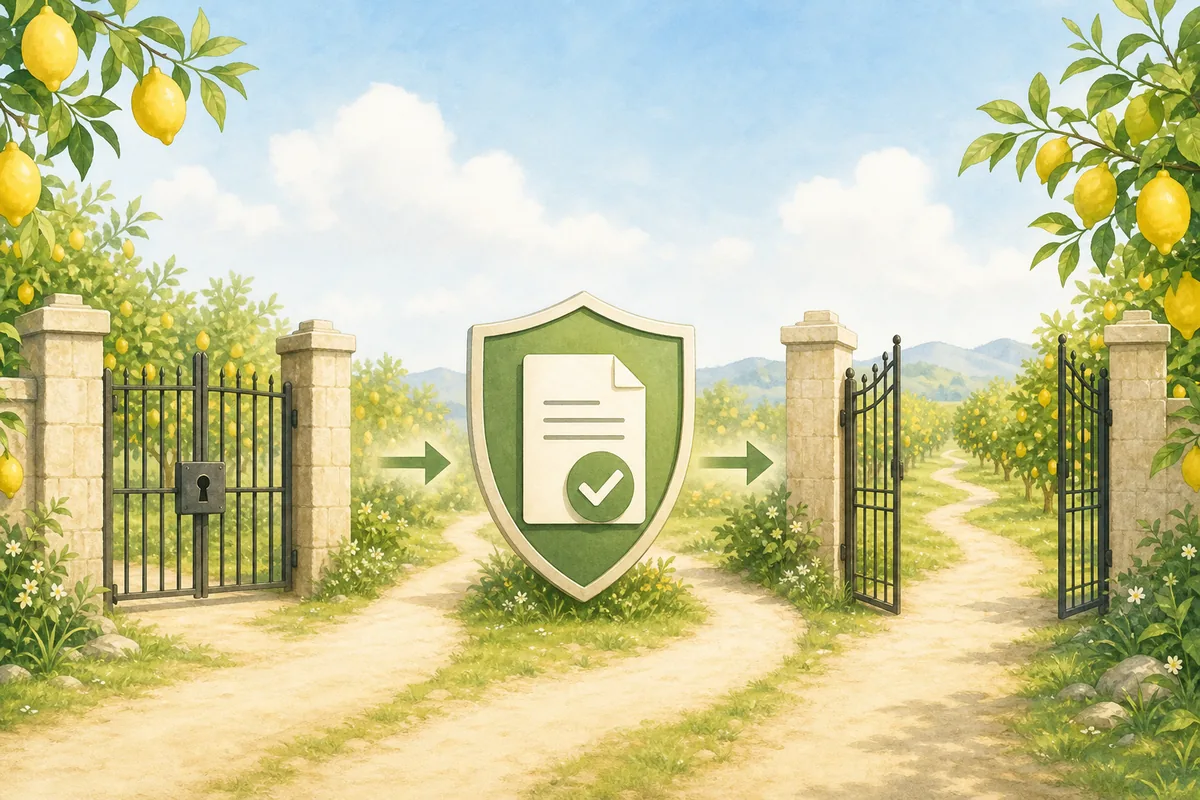
Use this order so you do not confuse a platform restriction with a device problem. Stop when the official message clearly says your account is not eligible.
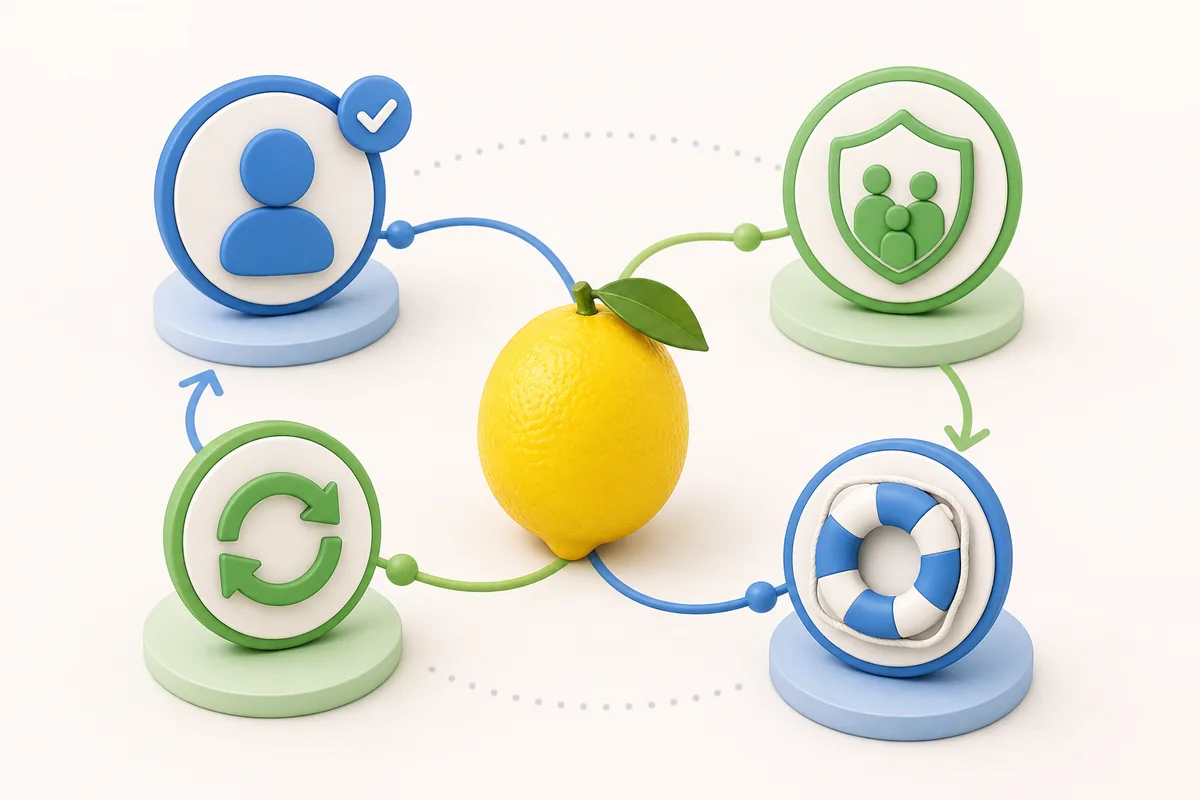
The correct action depends on who controls the account and whether the age information is accurate.
| Situation | Safe action | Avoid |
|---|---|---|
| The player is genuinely under the required age | Use another age-appropriate experience and wait for an official change to the label or account eligibility. | Do not falsify the birth date or borrow an adult account. |
| The birthday was entered incorrectly | Use Roblox's official account or support process and provide only information requested through official channels. | Do not pay third parties that claim they can age-verify or unlock the account. |
| The account is managed by a parent | Ask the managing adult to review the official parental control panel and decide whether the experience fits household rules. | Do not disable controls without the account manager's permission. |
| An eligible adult account is still blocked | Update the client, compare the web and app messages, check service status, and contact Roblox Support with screenshots of the exact error. | Do not use modified clients, VPN promises, executors, or copied games as a workaround. |
Roblox access depends on the experience's current maturity and publishing state plus the account's age-check and parental settings. No public developer statement we found proves one permanent Sell Lemons-specific reason, so check the official page and account controls rather than relying on rumors.
A 16+ message may follow a maturity-setting change, publishing-compliance issue, moderation state, or account eligibility check. Roblox's platform rules explain possible mechanisms, but only the developer or Roblox can confirm a private game-specific decision.
The answer can vary by account and can change. On July 16, 2026, the reliable check is the message shown to your signed-in account on the official Roblox experience page.
No safe bypass exists. Do not falsify age details, borrow accounts, install modified clients, use executors, or enter credentials on third-party unlock pages.
Compare accurate birth dates, age-check status, parental Content Maturity settings, region, client version, and the exact error. Different account eligibility can produce different results.
Reinstalling may fix corrupted client files, but it cannot override a genuine maturity, parental, regional, moderation, or publishing restriction.
No. This is an independent fan guide. Roblox and the Sell Lemons developer control the real experience, access label, and account eligibility.
These sources explain the platform rules used in this guide. They do not reveal private moderation notes for Sell Lemons.
Status checked July 16, 2026. This page does not claim access is permanently 16+ and does not offer bypass instructions.