SELL LEMONS COMPANIONS GUIDE
Sell Lemons Companions: All Companions, Uses & How to Get Them
Use this companions guide to separate cosmetic collection from progression, review the current community list, and verify each unlock clue against the live Sell Lemons client.
- Page focusCompanions and pets
- Current listSix community entries
- Main questionCosmetic or useful?
- Data statusVerify live UI
QUICK ANSWER
What do companions do in Sell Lemons?
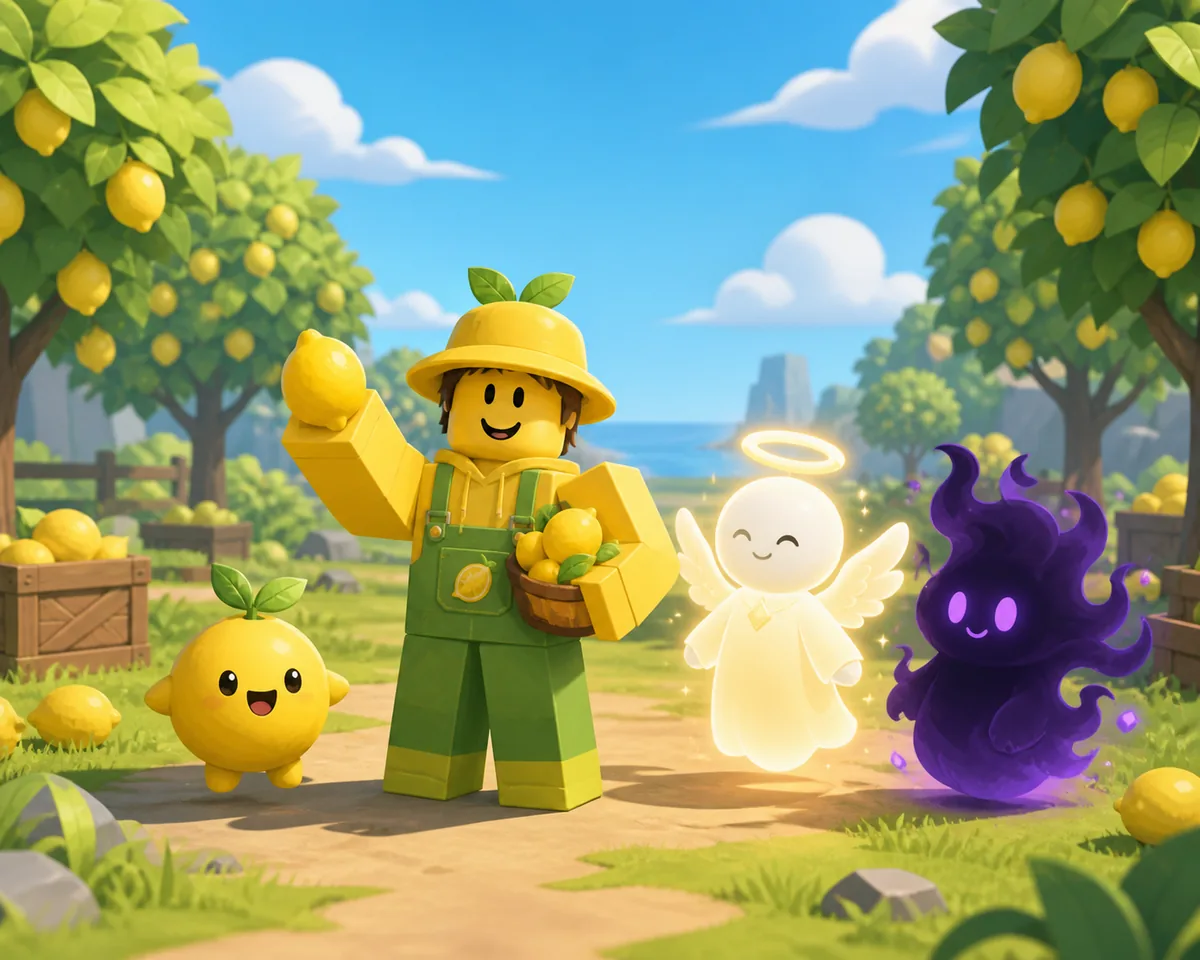
Companions are collectible followers that make a Sell Lemons avatar look different. A dated community guide currently describes the listed companions as cosmetic rather than confirmed income, speed, or upgrade boosts. Treat that as a useful checkpoint, not an official promise: the live game menu and current reward text should win whenever they disagree.
The current community list has six entries: The Mysterious Tree, Angel, Fruit Aura, Void Mass, UFO Companion, and UFO Cat. Several rows have an unlock clue, while the two UFO-themed entries still need a reliable current acquisition confirmation. This page keeps those states separate instead of turning an old list into a guaranteed route.
For a safe run, stabilize your normal lemon-selling loop first, then complete one companion objective at a time. Record the exact name, prompt, reward, and date before sharing a method. Companions are a collection goal; they should not replace the upgrade, Orchard, Rebirth, or Evolution decisions that move the account forward.
WHAT THEY ARE FOR
Companions are a collection layer, not a shortcut
Use the visual and collection value without assuming a hidden multiplier that the current game has not shown.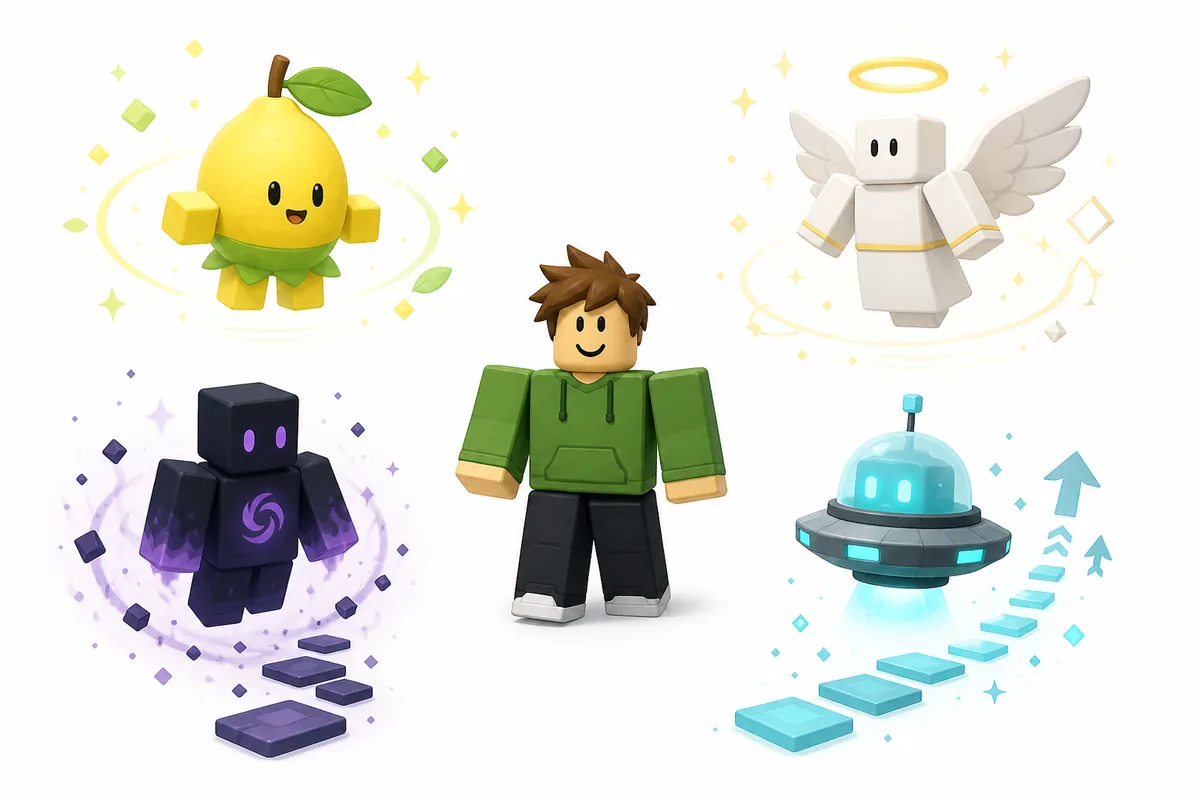
Cosmetic identity
A companion can change the look of a run, help a player show collection progress, and make a familiar avatar easier to recognize. That is a valid reason to collect one even when no gameplay boost is confirmed.
A checklist for exploration
The list turns hidden objectives into a small completion project: Orchard clues, Ascension milestones, badges, Evolution, and UFO-related searches can each be checked without mixing them into one vague pet guide.
Not a replacement for upgrades
Do not delay a clear production, capacity, movement, or global upgrade because a companion sounds rare. Fix the bottleneck that improves every run, then return to collection goals.
Version-sensitive evidence
Roblox experiences change. Keep the exact prompt and date for each unlock, and treat a community video, wiki entry, or repost as a lead until the current client confirms the same condition.
CURRENT COMMUNITY CHECKPOINT
All Sell Lemons companions and reported unlock clues
The table records the useful lead and its confidence. Unknown does not mean impossible; it means the page will not invent a requirement.| Companion | What it represents | Reported unlock clue | Evidence status |
|---|---|---|---|
| The Mysterious Tree | Orchard companion | Community reports connect it with harvesting 10 Star Fruits in the Orchard. Check the current Orchard prompt before repeating the route. | Community clue; live verification needed |
| Angel | Ascension companion | A community list reports 777 Ascensions as the condition. Confirm the counter and reward message in the current client. | Community clue; counter may change |
| Fruit Aura | Completion companion | The reported route is to complete every Sell Lemons badge or reach full badge completion. Check the badge panel rather than an old checklist. | Community clue; check badge state |
| Void Mass | Evolution companion | The reported condition is completing a Fruit Void Evolution. Verify the exact Evolution name and the post-completion reward. | Community clue; version-sensitive |
| UFO Companion | UFO-themed companion | No reliable current acquisition condition is recorded here. Check UFO objectives, the reward panel, and creator updates before trusting a claim. | Unconfirmed |
| UFO Cat | UFO-themed companion | No reliable current acquisition condition is recorded here. Do not substitute the UFO Key route for a companion reward without an in-game confirmation. | Unconfirmed |
EQUIP CHECK
How to equip or remove a companion
Menu labels can move after updates, so use the current collection prompt instead of following a fixed screenshot path.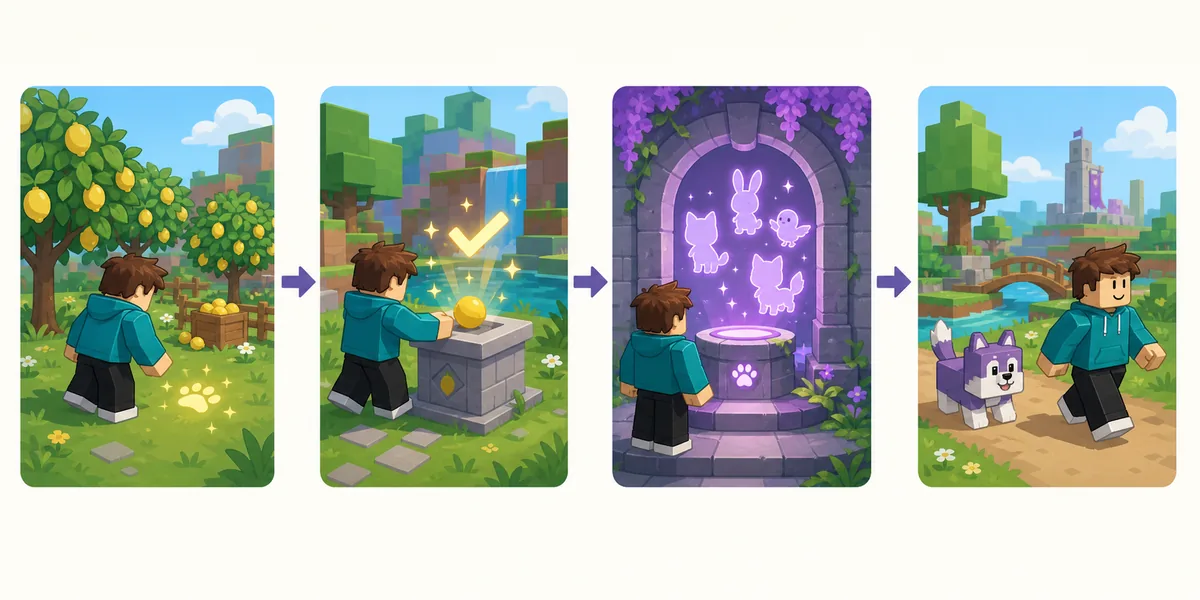
Open the current collection area
Look for the companion, collection, badge, or cosmetics prompt that the live game exposes. If no companion menu appears, do not paste credentials or download a third-party tool.
Confirm the name and state
Check whether the entry is locked, claimed, equipped, or only shown as a preview. A community name can differ from the label used by the current client.
Choose one owned companion
Select an entry that the game marks as owned, then read the confirmation or visible follow state. If the avatar does not change, reload the menu or server before assuming the reward failed.
Remove it from the same area
Use the current unequip, clear, or selected-companion control when available. Record the exact label if the control is renamed so the guide can be updated with evidence.
VERIFY BEFORE YOU SHARE
How to check a companion claim safely
A companion guide is easy to make stale because one changed badge, Orchard reward, or event condition can turn a confident sentence into a dead end. Use the official Roblox experience for the current client, then use community pages as leads that need a second check.
Do not treat an image of a follower, a short video title, or a copied list as proof of an unlock. The useful evidence is the exact in-game name, the visible condition, the reward confirmation, and the date you checked it.
| Signal | Action | Why |
|---|---|---|
| The prompt and community clue match | Record the route and date | A dated match is useful even when a later patch changes the requirement. |
| The name exists but the condition is missing | Mark it unconfirmed | A visible entry does not prove that an old unlock method still works. |
| A site asks for a login, download, or survey | Leave the page | A companion reward should not require credentials, APKs, extensions, or copied clients. |
| A reset is about to start | Read the confirmation screen | Do not assume a cosmetic unlock, claim counter, or temporary reward persists through Rebirth or Evolution. |
RELATED GUIDES
Connect companions to the right Sell Lemons system
Companion collection touches several systems, but it does not replace them. Use Orchard for the fruit route, Ascension for late reset timing, Evolution for Void progress, Halo for cosmetic completion, and Map when an objective is hard to locate.
If a companion condition becomes a milestone in a later update, return to this page with the exact prompt and update date. Keep the focused guide responsible for its own mechanics so one collection list does not become a duplicate wiki homepage.
- Orchard clue
- Orchard Guide
- Ascension count
- Ascension Guide
- Void progress
- Evolution Guide
- Cosmetic context
- Halo Guide
- Find an area
- Map Guide
FAQ
Sell Lemons companions FAQ
SOURCE CHECKS
Official and community references
- Official Sell Lemons Roblox experienceUse the live client, prompts, counters, and reward confirmation as the final authority.
- Community companions guideA dated community lead for names and unlock clues; it is not an official developer source and should be rechecked in-game.