SELL LEMONS FRUIT BUFFS GUIDE
What Does Eating Fruit in Sell Lemons Do? Fruit Buffs Guide
Eating Orchard fruit activates temporary effects based on its mutations. Use this guide to read the buff, choose a timing window, and decide whether a harvest is better eaten, sold, or replanted.
- Primary intentFruit buff effects
- Best useEat vs sell decisions
- Core sourceLive fruit tooltip
- Last reviewedNovember 5, 2026
QUICK ANSWER
What does eating fruit in Sell Lemons do?
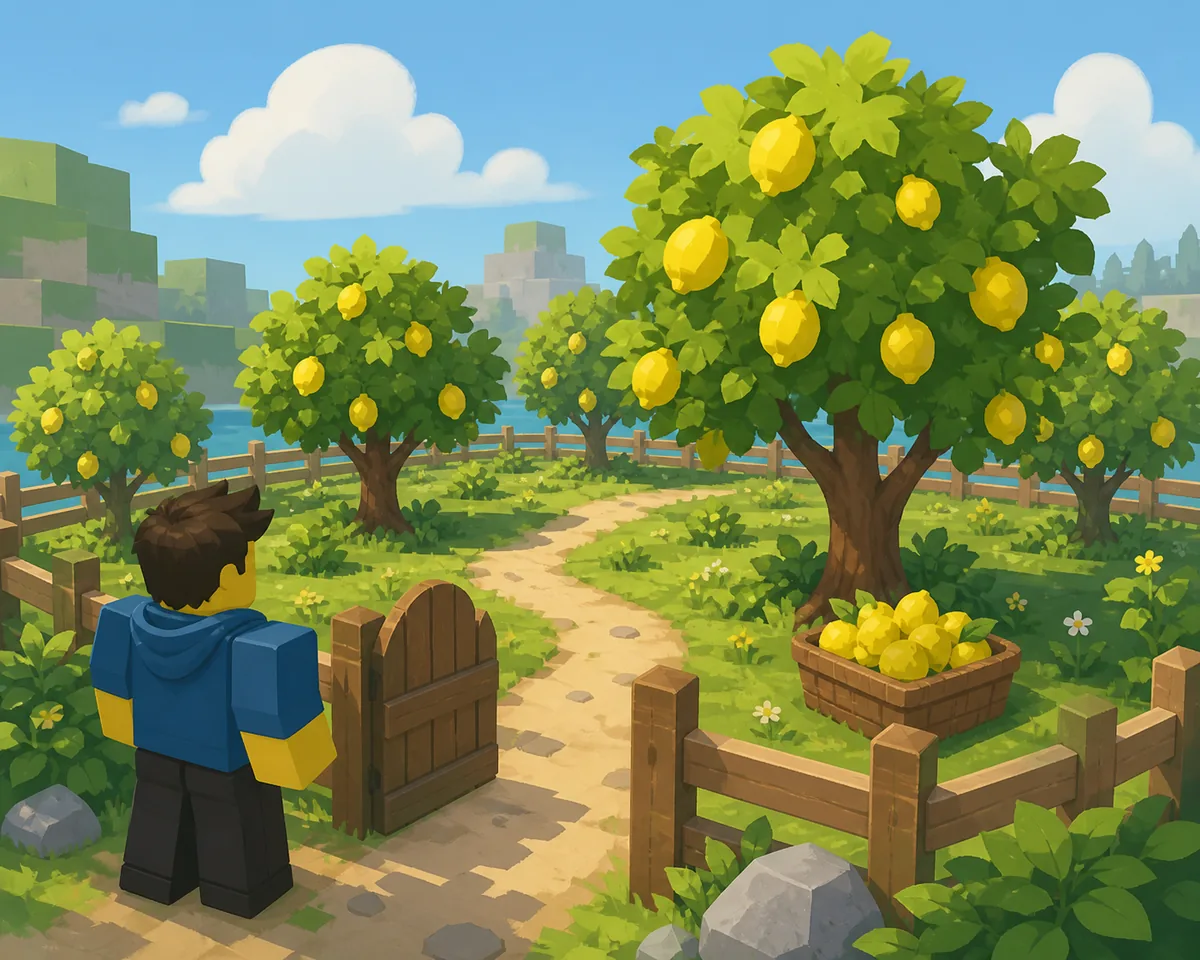
Eating a harvested fruit in Sell Lemons applies temporary effects from its mutation labels. Depending on the roll, the effect can increase Cash, income speed, Orchard growth speed, movement speed, mutation luck, Void synergy, or avatar size. Some mutations are negative, so inspect the tooltip first and sell a bad roll for Orchard Tokens.
Most buff claims are easiest to understand as a two-part loop. A tree finishes growing and locks in its mutations, every fruit from that tree inherits the same labels, and eating one fruit turns those labels into a short character or economy effect. Community references commonly describe a roughly 60-second window, but the live timer and wording in your client are the final source after an update.
The practical answer is: eat a fruit when its positive effect matches the next task, sell it when tokens are more useful or mutations are harmful, and replant when chasing a better roll. The Orchard overview explains access; this page focuses on the decision after harvest.
READ THE HARVEST
Four checks before you consume a fruit
A quick inspection prevents a temporary debuff from replacing a useful farming window.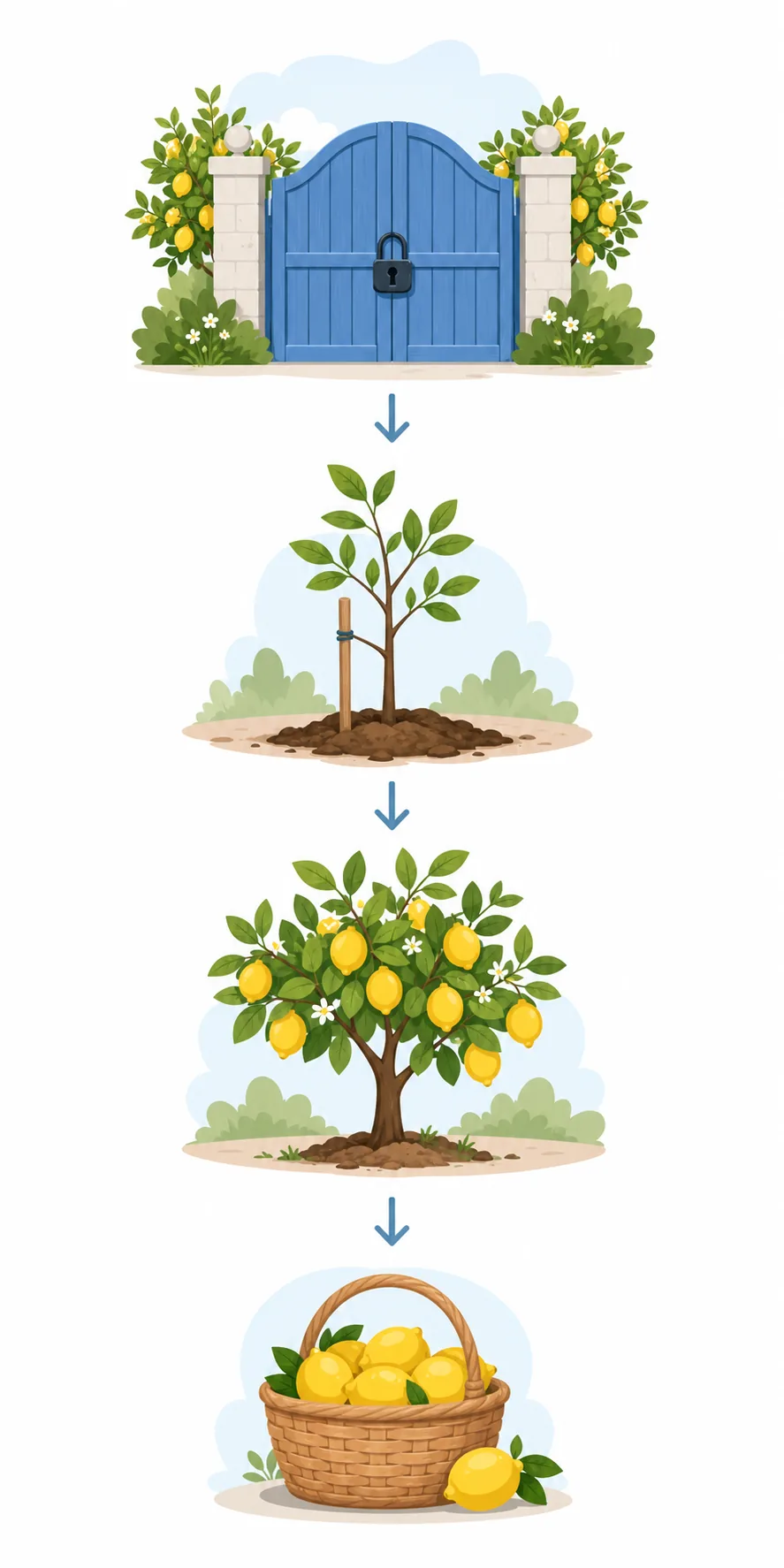
1. Open the fruit profile
Use the information control beside the fruit or in the fruits menu. Confirm the exact mutation names instead of guessing from color, size, or the tree name.
2. Separate buffs from value
A fruit can be useful to eat while its token value is modest, or valuable to sell while its effect is weak. Read both the displayed effect and the sell value before choosing.
3. Check the polarity
Cash, speed, growth, luck, and utility mutations can be positive or negative. Draining, Lazy, Heavy, Dense, and Slow are commonly reported as penalties; do not eat them just because the fruit looks rare.
4. Match the window to the task
Eat a cash fruit before a collection, a growth fruit while trees are growing, a walk-speed fruit between plots, or a luck fruit before a mutation session. A short timer rewards preparation.
BUFF TABLE
Sell Lemons fruit buffs by mutation
The table reflects the commonly documented Orchard effects. Verify the exact multiplier and timer in the live tooltip because names and values can change.| Mutation | Effect when eaten | Best use | Polarity |
|---|---|---|---|
| Pure | Mutation luck | Roll more trees | Positive |
| Tasty | About 1.5x Cash | Short cash push | Positive |
| Juicy | About 2x Cash | Large collection | Positive |
| Exotic | About 4x Cash | High-value farming | Positive |
| Perfect | About 8.8x Cash | Best cash window | Positive |
| Tart / Zesty / Wild / Blessed | Income speed | Faster ticks | Positive |
| Fast | About 2x growth speed | Finish Orchard trees | Positive |
| Stimulating | About 2x walk speed | Move between plots | Positive |
| Lucky | Orchard luck | Future mutation rolls | Positive |
| Voided | Void synergy | Void event session | Positive |
| Slimy / Giant | Alien or size effect | Utility or cosmetic goal | Situational |
| Draining / Lazy | Cash or income penalty | Sell or cleanse | Negative |
| Heavy / Dense | Speed penalty | Avoid eating | Negative |
| Slow | About 0.5x growth speed | Sell or remove | Negative |
EAT OR SELL ROUTE
How to use a fruit buff without wasting the harvest
Follow the same order each time so you can compare a mutation roll with the result it actually creates.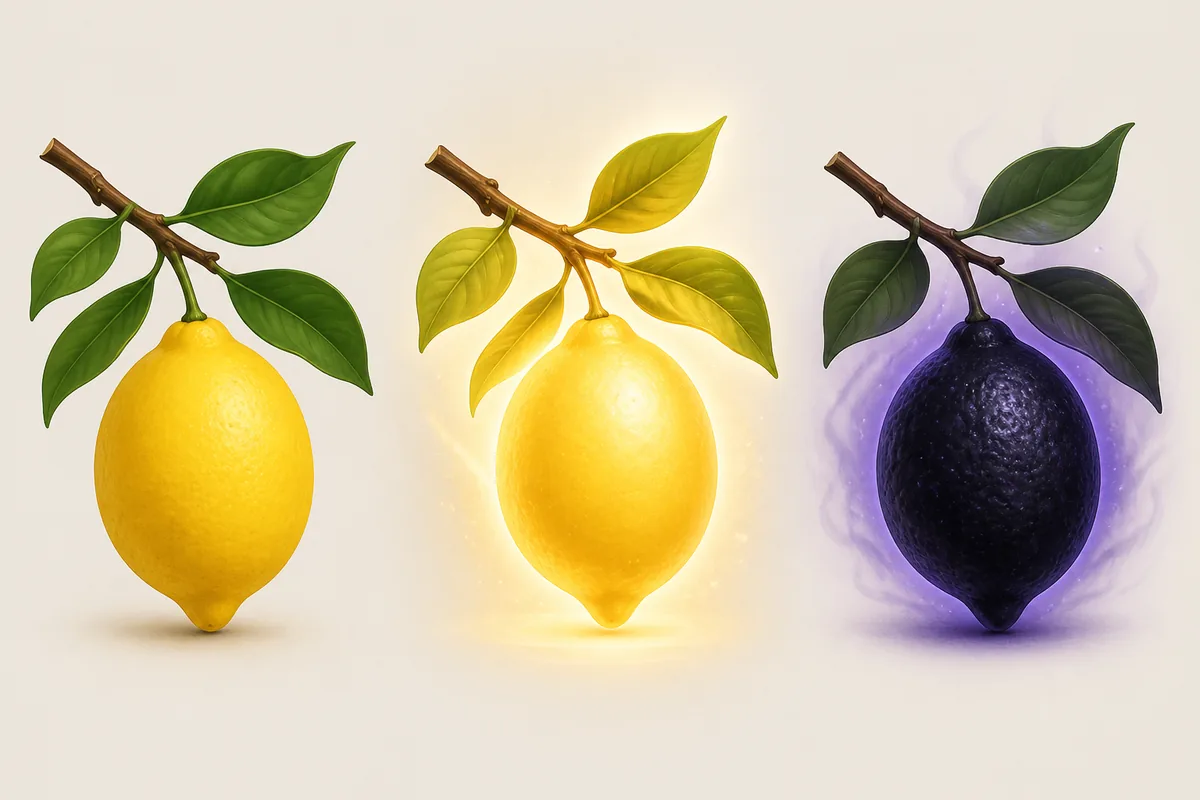
Harvest and pause
Pick the fruit, leave the Orchard shop for a moment, and read the complete profile. Do not click eat while you are still checking whether the roll has a negative companion mutation.
Choose the dominant goal
For a cash goal, prefer Tasty, Juicy, Exotic, or Perfect. For a faster Orchard cycle, prefer Fast. For future rolls, Pure or Lucky can be more useful than a small immediate payout.
Create the buff window
Eat immediately before the activity that benefits from it. A cash effect is easier to notice during a planned collection; a growth effect is easier to test while several plots are still growing.
Sell the leftovers
After keeping one fruit for the chosen buff, sell weak or negative rolls for Orchard Tokens, use Cleansing Fertilizer when the current UI says it is appropriate, and replant only when the next attempt has a clear purpose.
Record a dated result
Write down mutation labels, tooltip value, timer, seed tier, and patch date. This keeps community evidence useful without treating one roll as a permanent formula.
STACKING AND TIMING
How to combine buffs safely
Mutation stacking is where copied guides often disagree. Use the game feedback to test one variable at a time.Positive effects are not all the same
Cash and speed lines may add to a base multiplier, while negative effects can multiply the result downward. Verify the displayed math in the tooltip.
Keep a control fruit
Save one ordinary or known fruit before testing a stack. Compare the same action with and without the buff.
Do not eat a mixed penalty blindly
A fruit with one exciting label can also carry Draining, Slow, Heavy, Lazy, or Dense. Read the full list and decide whether the positive effect still outweighs the penalty for your immediate goal.
Recheck after a reset or update
Rebirth, Evolution, and Roblox updates can change persistence or timer wording. Inspect the fruit menu again after a reset.
BEST USE PLANNER
Should you eat, sell, or replant the fruit?
Eating is best when a positive effect supports a planned action and the short timer can be used fully. Selling is best when the fruit has mostly negative mutations, when you need Orchard Tokens for plots or shop items, or when the buff does not improve the current bottleneck. Replanting is best when the tree roll is weak and you are intentionally pursuing a stronger mutation set.
Do not compare a temporary buff with a permanent upgrade as if they were the same purchase. Use fruit to accelerate a window, then return to the Global Upgrades, Orchard, Evolution, or Rebirth guide for the permanent decision.
| Your situation | Best action | Why |
|---|---|---|
| Perfect, Exotic, Juicy, or Tasty before a big payout | Eat | The cash window matches a planned collection. |
| Fast fruit and several plots are growing | Eat | Growth speed can produce more harvests before the next check. |
| Pure or Lucky during a mutation session | Eat | The long-term roll quality may matter more than one sale. |
| Draining, Lazy, Heavy, Dense, or Slow dominates | Sell or cleanse | Eating can lower the same stat you are trying to improve. |
| No clear task and tokens are needed | Sell | A guaranteed token payout is safer than a wasted timer. |
| The tree is weak and another plot is ready | Replant | A new locked roll has more value than forcing a bad buff. |
NEXT GUIDES
Connect fruit buffs to the wider Sell Lemons route
Use the Orchard guide for access and the normal harvest loop. Use tree mutations for growing, cleansing, or preserving a roll. This page begins after harvest, when you choose an effect, token sale, or new tree.
For permanent progress, compare the temporary window with Global Upgrades, Evolution, and Rebirth so an old multiplier table does not drive a bad reset.
- Open Orchard
- Access and fruit loop
- Grow traits
- Tree mutations
- Permanent boosts
- Global Upgrades
- Reset timing
- Rebirth Guide
FAQ
Sell Lemons fruit buffs FAQ
SOURCES AND EVIDENCE
How the fruit effect guide was checked
- Official Sell Lemons Roblox experienceUse the live fruit profile, mutation labels, timer, and shop prompts as the final check.
- Sell Lemons Roblox Wiki: Fruit MutationsCommunity-maintained mutation effects and stacking context; verify version-sensitive values in-game.
- Pro Game Guides Orchard Mutations guideIndependent effect table used for comparison, not an official guarantee.
- Sell Lemons Orchard Mutations referenceAdditional community context for eat-versus-sell choices and value formulas; check the live client after patches.