SELL LEMONS TREE MUTATIONS GUIDE
Sell Lemons Tree Mutations: Fast, Perfect & Blessed Guide
A text-first route for planting your best fruit, filtering unwanted traits, and stacking useful mutations in the Orchard while keeping patch-sensitive claims clearly labeled.
- Page focusTree mutation workflow
- Core traitsFast, Perfect, Blessed
- Best evidenceLive Orchard UI
- Last reviewedOctober 24, 2026
QUICK ANSWER
What are Sell Lemons tree mutations?
Tree mutations are traits that appear on a fruit tree while it grows in the Sell Lemons Orchard. They can change the cash, speed, or other displayed behavior of the fruit, but the exact names, stacking rules, and values are version-sensitive. The safest goal is therefore a repeatable workflow: plant the best fruit you can afford, read the live trait labels, keep useful rolls, and discard a tree only when the next step is clear.
Players usually search for Fast, Perfect, and Blessed trees because community videos show these traits together in high-multiplier builds. That evidence is useful for learning the order of operations, not for promising a fixed payout. A video may use a different patch, seed tier, fertilizer inventory, or evolution state. Treat every number as reported until your own Orchard UI confirms the same result.
BEFORE YOU PLANT
Four checks that make tree mutation runs easier
A short preparation pass saves fertilizer and makes it easier to tell which action changed a tree.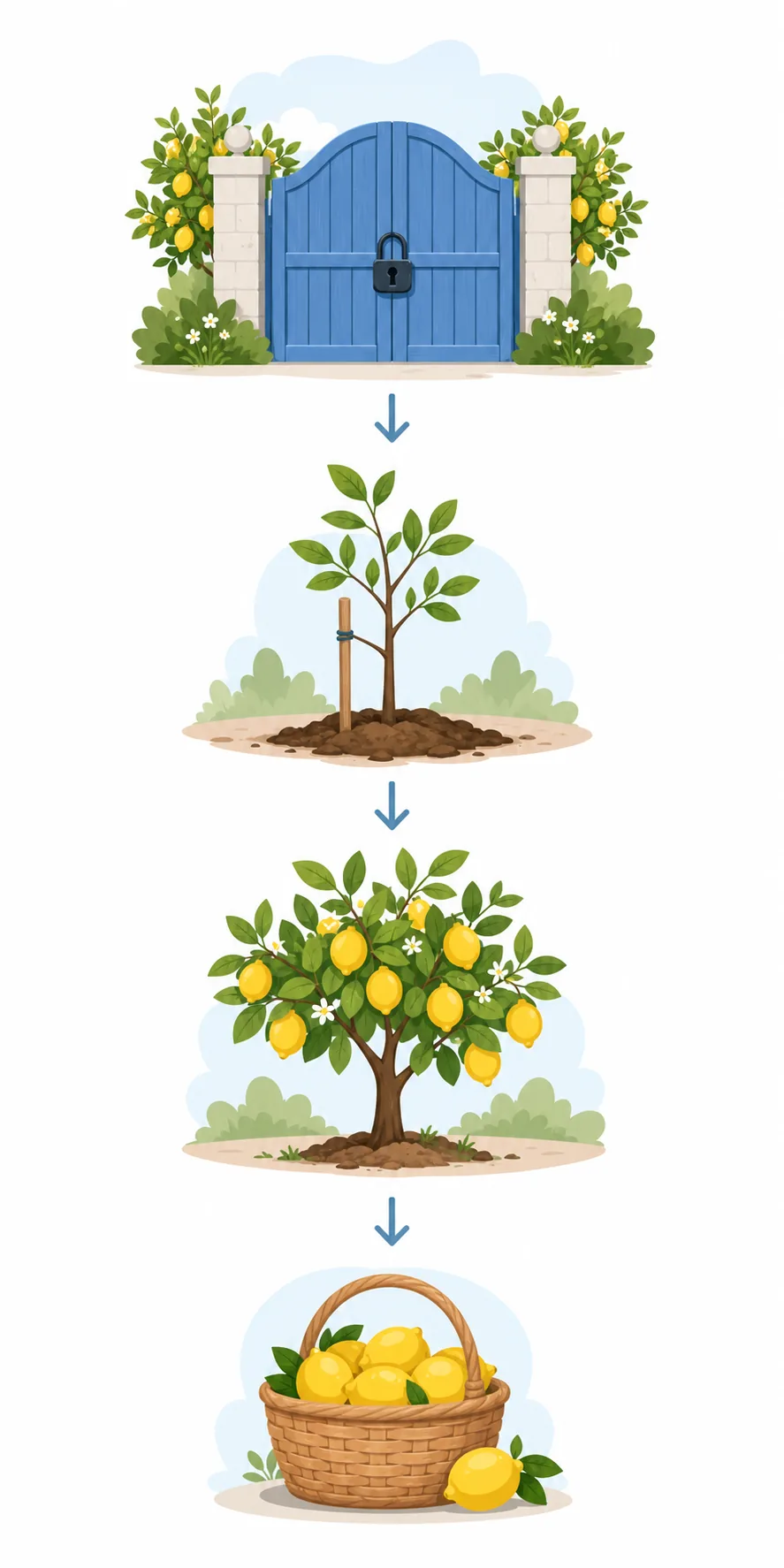
1. Stabilize your normal income
Buy the upgrade that fixes your current production, capacity, movement, or automation bottleneck before spending heavily on fertilizers. A stable cash loop gives you more attempts and makes a bad roll less costly.
2. Empty or sort your fruit inventory
Keep the seed you intend to test easy to find. A crowded inventory makes it easy to plant the wrong fruit or sell the one tree you meant to preserve.
3. Use the strongest reliable seed
A high-value seed can make the same mutation more useful, but only if you can grow it consistently. Do not copy a Void Lemon setup when your current evolution or seed supply cannot support it.
4. Count plots and fertilizer first
Decide how many attempts you can fund and which fertilizer is reserved for a keeper. Separate active tests from protected trees so one bad roll cannot erase your best evidence.
TRAIT CHECKLIST
Sell Lemons tree mutations: what to verify
Use this table to decide whether a tree is a keeper, a reroll, or only a lead for another test.| Trait or signal | Where it appears | What to check | Evidence level |
|---|---|---|---|
| Fast | Growing tree label | Which stat changes, how many stacks are present, and whether the growth result is manageable | Live label |
| Perfect | Fruit or tree details | The displayed effect, whether it can be cleansed, and whether it survives replanting | Patch-sensitive |
| Blessed | Mutation list | The exact spelling, affected stat, and whether the result combines with your target trait | Community lead |
| Growth fertilizer | Fertilizer action | Cost, growth feedback, and whether the tree finishes before you destroy it | Live action |
| Cleansing fertilizer | Reroll or filter step | Which unwanted trait is removed and whether the desired trait remains | Test in client |
| Stack count | Tree details or effect text | Whether repeated copies add, multiply, or change a separate stat | Do not assume |
GROWING ROUTE
How to grow Fast, Perfect, and Blessed trees
The order below follows the common community workflow while keeping every version-sensitive claim tied to a live check.Plant one controlled test
Choose one plot and plant the best seed you can replace. Note the starting fruit, the empty trait list, and the fertilizer you plan to use. A single controlled test is easier to diagnose than twenty mixed seeds.
Add the fertilizer shown by your goal
Community workflows often start with a mutation-heavy fertilizer and then use growth fertilizer to finish attempts. Read the current item description first; if the game shows a different effect or cost, follow that text instead of an old video.
Let the tree finish before judging it
Do not destroy a tree halfway through growth unless the UI explicitly says the trait is final. Wait for the completion state, inspect every label, and record the result before deciding whether the roll is useful.
Keep one clean Fast roll when that is your target
If Fast appears with extra traits, compare the displayed stack and stat before cleansing. Community guides often filter down to one Fast stack, but the correct count depends on the current effect text and your build.
Reroll Perfect and Blessed on separate plots
Use separate plots to chase each target. Preserve a clean Perfect tree and a clean Blessed tree when you find them, then combine copies only after you have written down the original labels and know which fertilizer preserves them.
Combine only after the pieces are verified
Place keeper trees into the intended layout, apply the next step, and inspect the result after growth. If an unwanted trait replaces the target, return to the last known good copy.
STACKING NOTES
How to handle mutation stacking without losing a keeper
Stacking can be powerful, but it is also where old videos and copied numbers create the most confusion.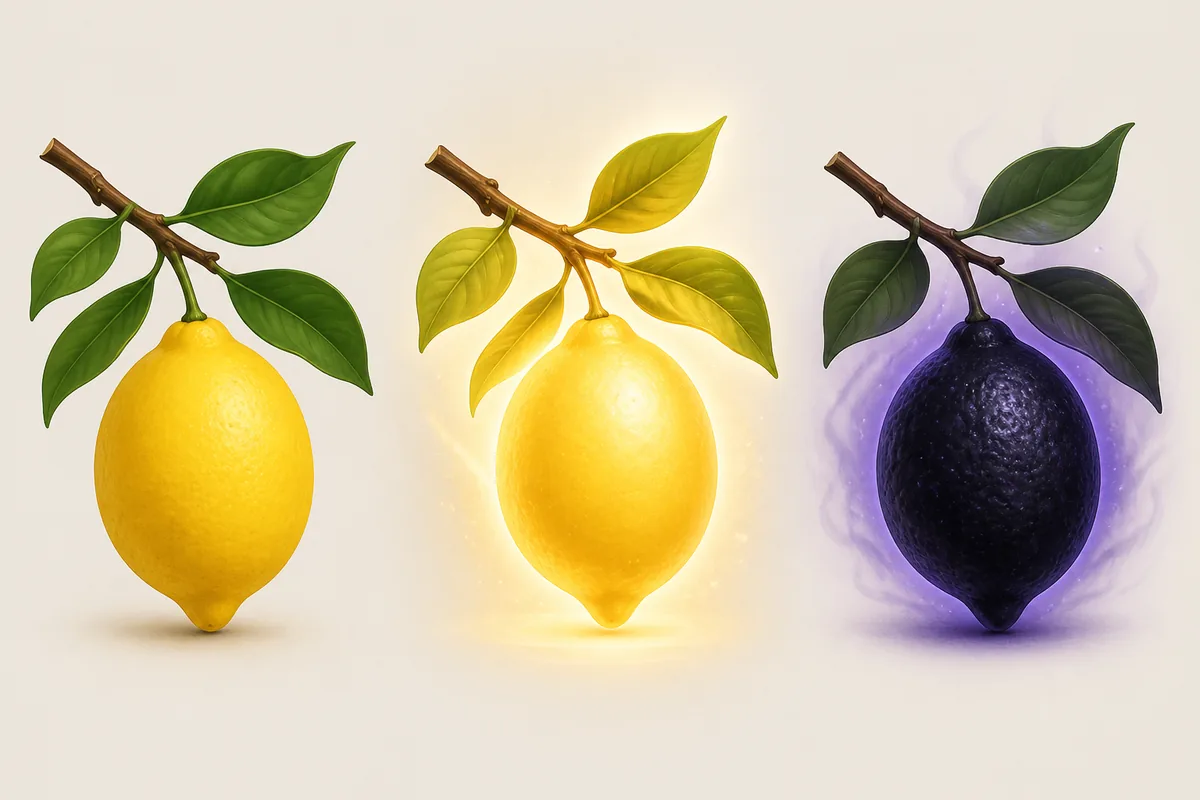
Separate trait identity from trait count
A tree can show a name and a stack count, but the two values answer different questions. Keep the exact label and count together, then check which stat changes when one copy is added or removed.
Use a checkpoint layout
Reserve one row for active attempts, one row for rerolls, and one space for keepers. The layout from a community video is only a starting idea; adapt it to your plot count and movement speed.
Recheck after Rebirth or Evolution
Separate permanent Orchard access from a temporary fruit, timer, or mutation. Read the reset confirmation and inspect the Orchard again before calling an effect permanent.
DECISION GUIDE
When should you keep, cleanse, or sell a tree?
Keep a tree when its label, stat, and role match the route you are building. A rare name is not automatically useful: a mutation that slows growth or conflicts with your target can be worse than a clean ordinary tree. Compare the displayed effect with your next upgrade and with the cost of another attempt.
Cleansing is most useful when a desired trait is already present and the UI clearly shows what will be removed. Sell or destroy a roll when no target appears, inventory space is blocked, or the current client no longer matches the old route.
| Your situation | Best action | Why |
|---|---|---|
| Target trait and clean label are visible | Preserve a copy | A checkpoint prevents one experimental fertilizer from deleting your best evidence. |
| Only unwanted traits appear | Sell or reroll | A failed roll should not consume plots or inventory space forever. |
| A video shows a different menu | Trust the live UI | The clip may use another patch, seed, or evolution state. |
| Reset is available | Check persistence first | The confirmation screen is the only safe source for what survives Rebirth or Evolution. |
NEXT GUIDES
Connect tree mutations to the right Sell Lemons page
Use the Orchard guide for access, the normal fruit loop, and the upgrade-versus-Orchard decision. Use the Evolution and Rebirth pages when you need to know what a reset might change. The tree mutation page is the focused layer between those decisions: it explains how to work the plots once you are ready to grow.
- Orchard overview
- Unlocks and fruit loop
- Evolution
- Requirements and reset
- Rebirth
- Timing and persistence
FAQ
Sell Lemons tree mutations FAQ
SOURCES AND EVIDENCE
Where the tree workflow comes from
- Official Sell Lemons Roblox experienceUse the live Orchard prompts, trait labels, item descriptions, and reset confirmations as the final check.
- Community Orchard mutation walkthroughA community video used to compare the reported Perfect, Blessed, Fast, cleansing, and growth sequence; exact outcomes are not guaranteed.
- Sell Lemons Fruit Trees explanationThird-party context for fruit picking and payout; verify current values in the game.